Why PS5 Controllers Drift: The Complete Explanation
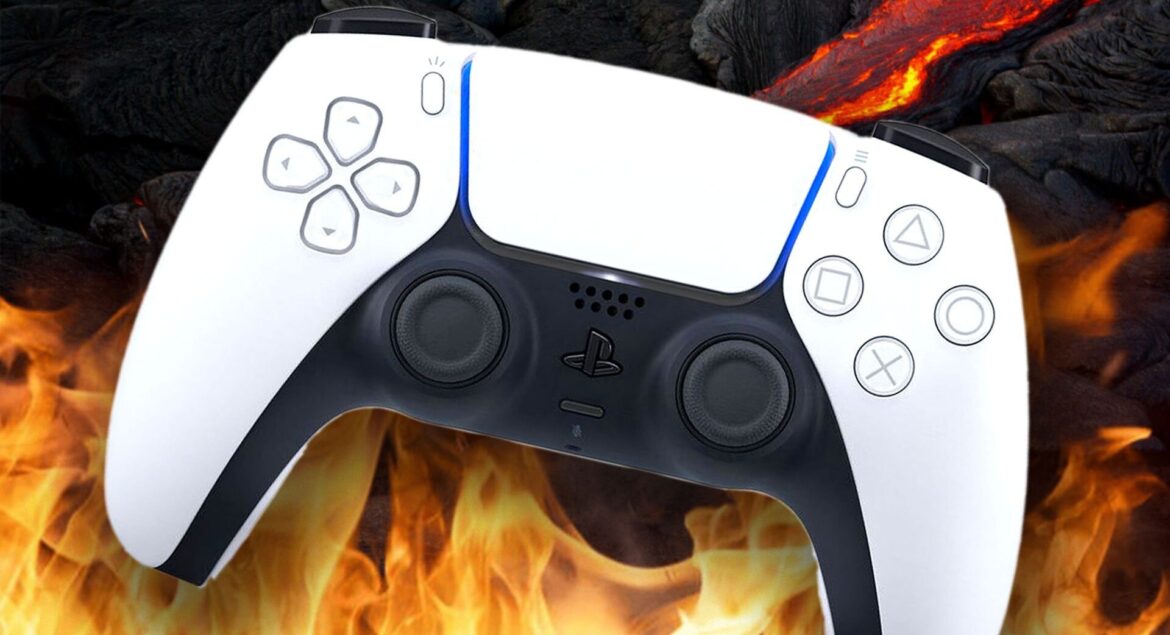
Controller drift is a phenomenon where a joystick moves on its own without any input from the player. On the PS5, this typically happens with the DualSense controller.
1. What Is Controller Drift?
- Definition: Controller drift occurs when the analog stick registers movement even though you’re not touching it. For example, your character might move forward in a game without pressing the stick.
- Symptoms:
- Character or camera moving randomly
- Inconsistent aiming in shooters
- Cursor movement in menus
This problem isn’t exclusive to PS5 — it happens with many modern controllers (Xbox, Nintendo Switch, etc.), but it has gained attention due to the popularity of the DualSense.
2. How the PS5 Joystick Works
The DualSense controller uses potentiometers inside each analog stick:
- Potentiometer: A variable resistor that measures the position of the stick.
- Magnetic sensing / Hall Effect sensors: Some controllers use magnetic fields to detect stick movement.
When the stick moves, it changes the electrical signal. The console interprets this signal as a direction and strength of movement.
Drift happens when these sensors send false signals, making the console think the stick is moving.
3. Main Causes of PS5 Controller Drift
a) Dust, Dirt, and Debris
- Tiny particles can enter the gap around the joystick.
- They obstruct the sensors or potentiometer, causing them to send signals incorrectly.
- This is the most common cause of drift in DualSense controllers.
b) Wear and Tear
- Over time, the potentiometer wears down.
- The conductive material inside can degrade, leading to inconsistent readings.
- Heavy gamers experience this sooner due to more joystick movement.
c) Manufacturing Defects
- Some controllers may have slightly misaligned components from the factory.
- Certain batches of DualSense controllers were reported to drift more than others.
- Sony has acknowledged occasional defects but hasn’t recalled all controllers.
d) Moisture and Sweat
- If hands are sweaty, moisture can seep inside the joystick mechanism.
- This can temporarily or permanently damage the sensor, causing drift.
e) Firmware or Calibration Issues
- Sometimes drift is software-related.
- If the controller isn’t calibrated properly, the console may misinterpret the neutral joystick position.
4. How to Fix or Reduce Drift
a) Cleaning
- Use compressed air around the base of the joystick.
- You can also carefully clean with isopropyl alcohol (70%+) applied to a cotton swab.
- Move the stick around while cleaning to dislodge debris.
b) Recalibration
- Some games and PS5 settings allow you to reset the joystick’s neutral position.
- Power cycle the controller and console for a soft reset.
c) Software Update
- Ensure your PS5 and DualSense firmware are updated.
- Sony sometimes releases updates that improve controller performance.
d) Repair or Replacement
- If cleaning doesn’t work, the potentiometer may be worn.
- Sony offers repairs or replacements under warranty.
- Third-party repairs involve replacing the joystick module.
5. Preventing Drift
- Keep controllers clean and store them in dust-free areas.
- Avoid eating or drinking near the controller.
- Don’t press the sticks too hard or force them past their limits.
- Use protective joystick covers if desired.
6. Why This Happens More on DualSense
- The DualSense uses a more sensitive potentiometer and analog stick design compared to older DualShock controllers.
- Its lightweight materials and precise sensors make it more prone to small debris or wear causing drift.
- High-precision sensors also mean small misalignments are more noticeable in games.
Summary
| Cause | Mechanism | Fix / Mitigation |
|---|---|---|
| Dust/Debris | Obstructs sensors | Clean carefully |
| Wear & Tear | Potentiometer degradation | Replacement |
| Moisture/Sweat | Sensor interference | Dry, clean, repair |
| Manufacturing defect | Misaligned parts | Warranty repair |
| Software/Calibration issue | Incorrect neutral detection | Update firmware, recalibrate |
Key takeaway: PS5 controller drift is mostly mechanical, caused by dust, wear, or minor defects, but sometimes software tweaks help. Proper cleaning and careful use can reduce the risk, but eventual repair or replacement may be needed for heavily used controllers.
Written by: RAJMOHAN JAYAKRISHNAN (Founder Of TRYAKSH STORE)
Gaming & Tech Content Writer